Recycling old computers is one of the best ways to reduce electronic waste and support environmental sustainability. However, before a computer leaves your home or business, there is one critical step you should never overlook:
Destroy all sensitive data stored on the device.
Every computer stores information that could be valuable to cybercriminals. Financial records, customer databases, passwords, emails, employee files, and confidential business documents can often be recovered—even after files have been deleted or the hard drive has been formatted.
Failing to destroy this data properly can lead to identity theft, financial losses, regulatory penalties, and reputational damage.
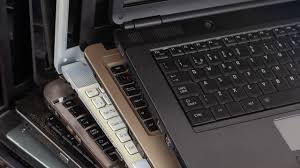
Whether you’re recycling one laptop or decommissioning hundreds of office computers, this guide explains how to destroy data before recycling computers safely, securely, and responsibly.
Why “Delete” Isn’t Good Enough
Simply deleting files or reformatting a hard drive doesn’t actually remove the data. It only removes the pointers that tell the operating system where the data is stored. The information remains on the drive and can be recovered using inexpensive forensic tools.
This is where Kenya’s Data Protection Act (2019) comes into play. The law requires organizations to protect personal data throughout its lifecycle—including disposal. Failure to secure data before recycling can expose your business to data breaches, regulatory fines, and lasting reputational damage.
The NIST Framework: Clear, Purge, Destroy
The most widely recognized standard for data sanitization is NIST Special Publication 800-88. It categorizes data destruction into three levels:
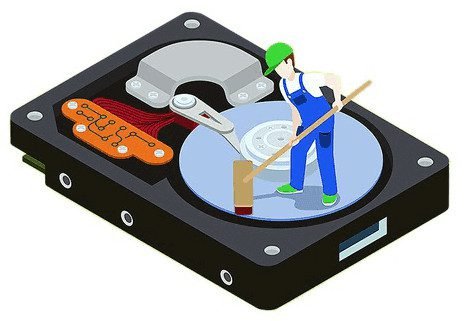
1. Clear (Software Wiping)
This method uses standard read/write commands to overwrite data with nonsensitive patterns. It provides moderate protection against simple recovery techniques and allows the device to be reused internally.
Best for: Devices being repurposed within your organization.
Limitation: Cannot overwrite data in hidden or inaccessible areas
2. Purge (Advanced Sanitization)
Purge provides a higher level of protection using laboratory-level overwrite methods, block erasure, or cryptographic erase. Like Clear, the media remains reusable.
Key technique: Cryptographic Erase (Crypto Erase)
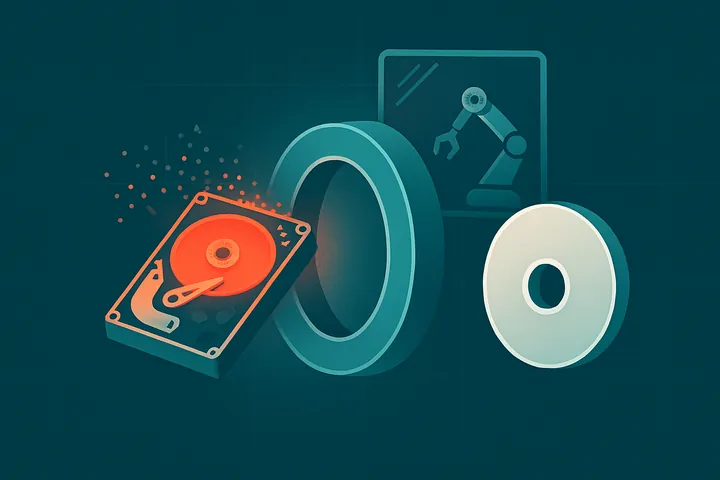
For self-encrypting drives (SEDs), crypto erase deletes the encryption key that protects the data. Without the key, encrypted data becomes unreadable—effectively destroyed. This process takes just seconds
Critical warning: Crypto erase only works if:
- The drive has built-in encryption
- Encryption was active when data was written
- The key destruction is verifiable
If these conditions aren’t met, crypto erase alone isn’t sufficient
3. Destroy (Physical Destruction)
This renders data recovery infeasible using state-of-the-art laboratory techniques. The media cannot be reused.
Techniques include:
- Shredding: Cutting or tearing media into small particles
- Pulverizing: Crushing or grinding into fine powder or dust
- Incinerating: Burning to ash
- Melting: Liquefying through extreme heat
- Disintegrating: Breaking into constituent elements
Important note: Techniques like bending or shooting a hole through a drive may only partly damage it, leaving portions accessible. Professional shredding is required for full destruction.
Which Method Should You Choose?
The right approach depends on your data sensitivity and what you plan to do with the device:
| Method | Data Recovery Risk | Device Reusable? | When to Use |
|---|---|---|---|
| Clear (Wipe) | Moderate | Yes | Internal reuse, low-risk data |
| Purge (Crypto Erase) | Very Low | Yes | Devices with built-in encryption, fast turnaround |
| Destroy (Shred) | Zero | No | Highly sensitive data, damaged drives, compliance mandates |
Practical Steps to Take
Step 1: Inventory All Devices
Before anything leaves your facility, catalog every device that stores data—not just computers, but servers, external drives, and mobile devices.
Step 2: Assess Data Sensitivity
Classify the data on each device. The level of sanitization should match the sensitivity of the information.
Step 3: Choose Your Sanitization Method
- For devices you plan to reuse or sell: Use a certified wiping tool following NIST guidelines. Multiple-pass overwrites (like DoD 5220.22-M) are available.
- For highly sensitive data: Physical destruction is the safest choice.
- For self-encrypting drives: Cryptographic erase is a fast, effective option—but verify it was done correctly.
Step 4: Obtain Proof of Destruction
Whether you wipe or shred, documentation is essential for compliance. You should receive:
- A Certificate of Destruction specifying the method used
- Serial number logs linking each device to its destruction record
- A signed chain of custody
Partner with Nalabix for Certified Data Destruction
At Nalabix, we make data destruction simple, secure, and audit-ready. Based in Nairobi, we serve businesses across Kenya
What we offer:
NIST 800-88 compliant wiping with verification logs
On-site hard drive shredding—drive never leaves your sight
Certificate of Destruction, serial-level logs, and signed chain-of-custody
Nationwide coverage: Nairobi, Mombasa, Kisumu, Nakuru, Eldoret, and beyond
What happens if a drive fails wiping? Any drive that fails verification is flagged and escalated to physical shredding. You get notified and the disposition is recorded in your final documentation
Frequently Asked Questions
Is deleting files enough before recycling a computer?
No. Deleted files can often be recovered. Use secure data wiping or physical storage media destruction instead.
Can formatted hard drives be recovered?
Yes. In many cases, formatted drives still contain recoverable information unless they have been securely sanitized.
Should I destroy the hard drive or wipe it?
If the drive is functional and will be reused, secure data wiping is usually the best choice. If the drive is damaged or contains highly sensitive information, physical destruction is recommended.
Do businesses need a Certificate of Data Destruction?
Yes. Certificates provide documented proof that storage media has been securely sanitized or destroyed, supporting compliance, audits, and internal governance.
Final Thoughts.
Data destruction before recycling isn’t optional—it’s a legal obligation and a fundamental business practice. Whether you choose software wiping, cryptographic erase, or physical destruction, the key is doing it properly and documenting every step.
At Nalabix, we help you retire your IT assets with confidence, combining certified data destruction with value recovery to lower your net cost.
Ready to destroy your data securely? Contact Nalabix today to schedule a pickup.