
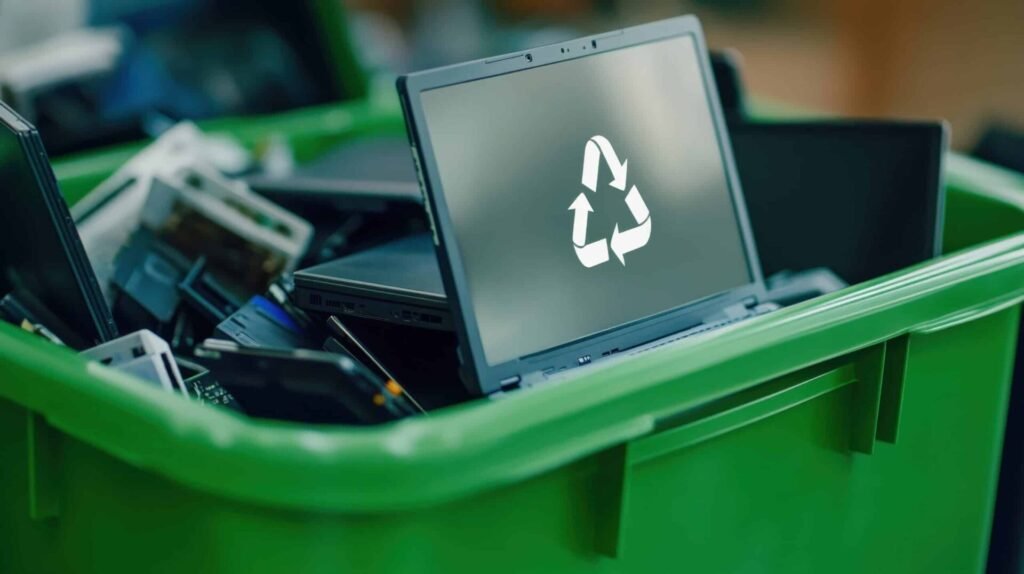
Most people think that once an old computer is deleted, formatted, or thrown away, the information inside it is gone.
That is not always true.
Your old computer may still contain emails, documents, passwords, financial records, customer information, photographs, and other sensitive data. Even when the computer no longer turns on, the storage device inside it may still hold valuable information.
So, what really happens to your data after you throw away a computer?
Your Data Doesn’t Disappear When You Delete It
When you delete a file, the computer often removes the reference to that file rather than immediately destroying the information itself.
The same applies to many traditional formatting methods. Until the storage space is properly overwritten, sanitized, or the storage device is physically destroyed, information may remain recoverable using specialized tools.
This creates an important distinction:
Deleting data is not the same as securely destroying data.
That difference matters even more when a computer contains confidential business or personal information.
What Happens When an Old Computer Leaves Your Hands?
Once you dispose of a computer, you may no longer know where it goes or who handles it.
Depending on its condition, the computer could be:
→ Refurbished
→ Resold
→ Donated
→ Dismantled
→ Recycled
Reusing equipment is generally positive because it extends the life of electronics and supports a circular economy. The problem occurs when the device changes hands without its data being properly secured first.
A refurbished laptop, for example, may be given to a new user. If its previous owner’s information was never properly sanitized, sensitive files could potentially be recovered.
What Information Could Still Be on the Computer?
An old computer can contain much more information than you may realize.
Depending on how the device was used, it could contain:
- Business documents and contracts
- Customer and employee information
- Emails and attachments
- Saved browser passwords
- Financial records
- Login credentials
- Company intellectual property
- Personal photographs and videos
- Downloaded files and backups
- Information stored on connected applications
For organizations, an improperly disposed computer can therefore become a data security risk, not simply an e-waste problem.
What If the Computer No Longer Works?
A broken computer is not automatically a safe computer.
In fact, a faulty laptop or desktop may still have a perfectly readable hard drive or SSD.
The screen may be broken. The motherboard may have failed. The computer may not power on at all.
But the storage device could still contain the information that was stored on it.
This is why organizations should treat the storage media separately from the physical condition of the computer.
Broken does not mean data-free.
What Happens to Computers in the E-Waste Stream?
When computers enter the e-waste stream, they may be collected for reuse, refurbishment, dismantling or recycling.
During responsible e-waste processing, valuable materials such as aluminium, copper, steel, plastics and electronic components can be recovered.
However, storage devices require additional attention.
Before a computer is resold, refurbished or recycled, its data should be securely handled according to the required level of protection. Depending on the device and sensitivity of the information, this can involve secure data erasure, cryptographic sanitization, or physical destruction.
The goal is simple:
Protect the information first. Recover the materials second.
Why Businesses Should Take This Seriously
For businesses, computer disposal is part of information security.
Imagine an organization replacing 50 office computers. If those machines are simply handed to a collector without proper data destruction, the organization could unknowingly release years of confidential information.
This may include:
- Customer records
- Employee information
- Financial data
- Business strategies
- Passwords and credentials
- Internal communications
- Proprietary information
That is why professional IT Asset Disposition (ITAD) goes beyond collecting old equipment. A proper process should account for the equipment, the data stored on it, its final destination, and the documentation required to demonstrate responsible disposal.
How Is Data Securely Destroyed?
The appropriate method depends on the type of storage device and the sensitivity of the information.
1. Secure Data Erasure
Specialized software can sanitize a drive so that previously stored information cannot be practically recovered.
For organizations, methods aligned with recognized standards such as NIST SP 800-88 can provide a structured approach to media sanitization.
2. Physical Destruction
Where data must not be recoverable, storage media can be physically destroyed using appropriate equipment and controlled procedures.
This can include hard drive or SSD destruction, followed by responsible recycling of the resulting materials.
3. Verification and Documentation
Secure destruction should not end with the physical process.
Organizations may also require records showing:
- What equipment was processed
- Serial numbers or asset identifiers
- Data destruction method
- Date of destruction
- Quantity processed
- Authorized personnel
- Certificate of Destruction
This creates an auditable record of what happened to the organization’s data-bearing assets.
What Should You Do Before Throwing Away a Computer?
Before disposing of an old computer, don’t simply delete your files and put it outside.
Instead:
Back up → Remove accounts → Securely sanitize data → Verify destruction → Recycle responsibly
For businesses handling confidential information, it is advisable to use a documented data destruction process and work with a qualified e-waste or ITAD provider.
The Bigger Picture: Data Security and E-Waste Management
Computer disposal is no longer just an environmental issue.
It is also a data security issue.
Every computer reaching the end of its useful life has two questions attached to it:
What happens to the device?
and
What happens to the information stored on it?
Responsible disposal answers both.
The equipment can be refurbished where possible, valuable materials can be recovered through recycling, and sensitive information can be securely destroyed before the device leaves your control.
Final Takeaway
Throwing away a computer does not automatically make the data inside it disappear.
Whether the computer is sold, donated, refurbished, dismantled or recycled, its storage device may still contain information that should never fall into the wrong hands.
Before you dispose of the hardware, secure the data.
For businesses, a professional ITAD and e-waste management process provides a safer approach—combining data destruction, asset tracking, responsible recycling, and proper documentation.
Looking for Secure Data Destruction and E-Waste Recycling in Kenya?
Nalabix helps businesses responsibly manage end-of-life computers, IT equipment and data-bearing devices through secure data destruction, IT asset disposition and e-waste recycling services in Kenya.
The objective is simple: protect your data, recover value from your equipment, and dispose of electronics responsibly.